Clients do not worry about where your team is working. They worry about whether outcomes remain predictable.
That is why visibility-led WFH rollouts create stronger trust than communication-only rollouts.
What clients expect during WFH transitions
- Consistent delivery timelines
- Faster response on blockers
- Evidence-backed progress updates
- Stable quality under changing work modes
What breaks trust fastest
- Delayed escalation of execution issues
- Overly optimistic status updates
- No objective evidence in review meetings
How EPS supports confidence
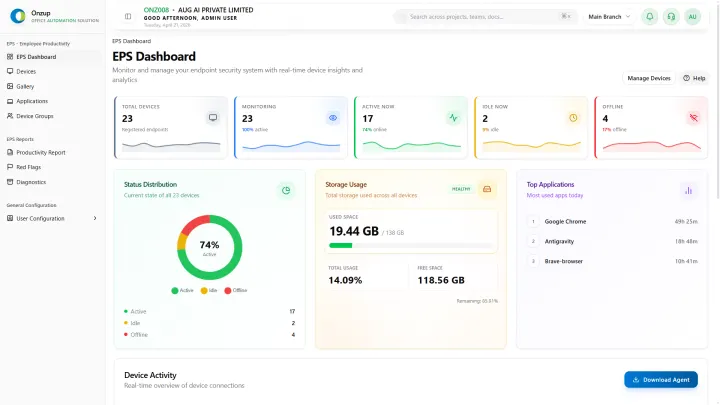
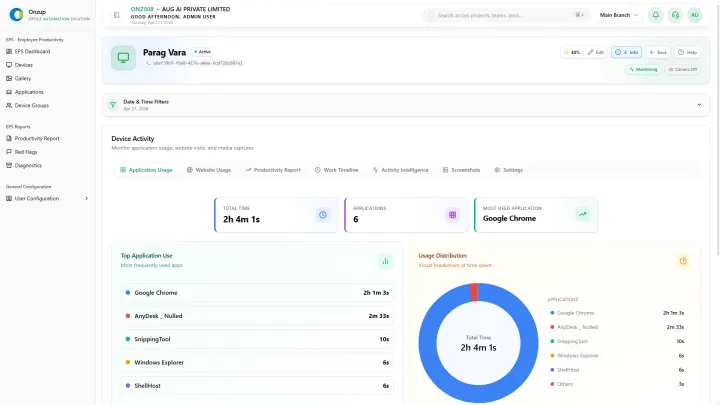
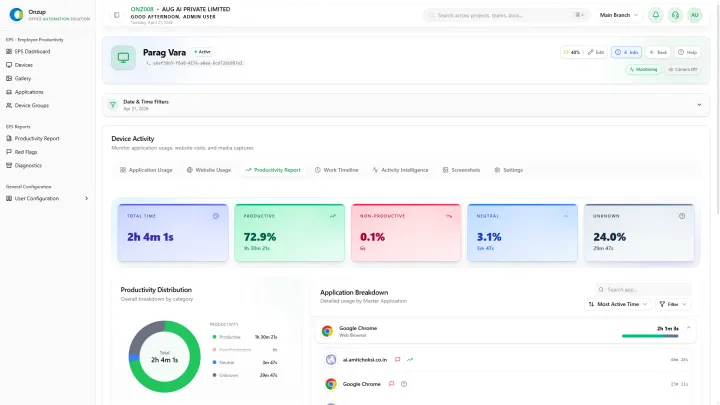
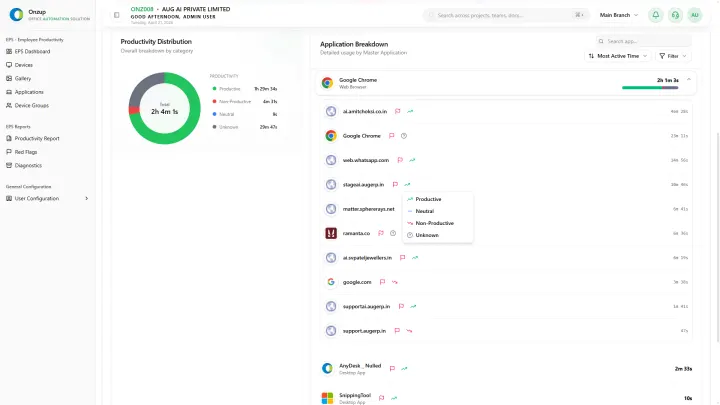
Onzup EPS gives leadership and client-facing teams a way to show execution health with clarity:
- Activity and usage trends for operational context
- Outlier alerts for early intervention
- Exportable reports for stakeholder communication
- Team-level review data for accountable follow-through
A simple client-facing reporting rhythm
Use this cadence:
- Weekly internal trend review
- Risk intervention within 24-48 hours
- Consolidated client update with evidence
- Monthly leadership review for pattern correction
This creates a predictable narrative even when teams are distributed.
Final takeaway
WFH can either reduce client confidence or increase it. The difference is whether your team can prove operational control with data.
If you want to convert WFH change into a trust advantage, build the rollout around visibility from day one.