

Visibility
Live
Know which devices are active, idle, away, or offline in real time.
EPS installs a lightweight agent on employee workstations and reports activity back to your ERP dashboard. It gives your team complete visibility into how work gets done across office, remote, and hybrid environments.
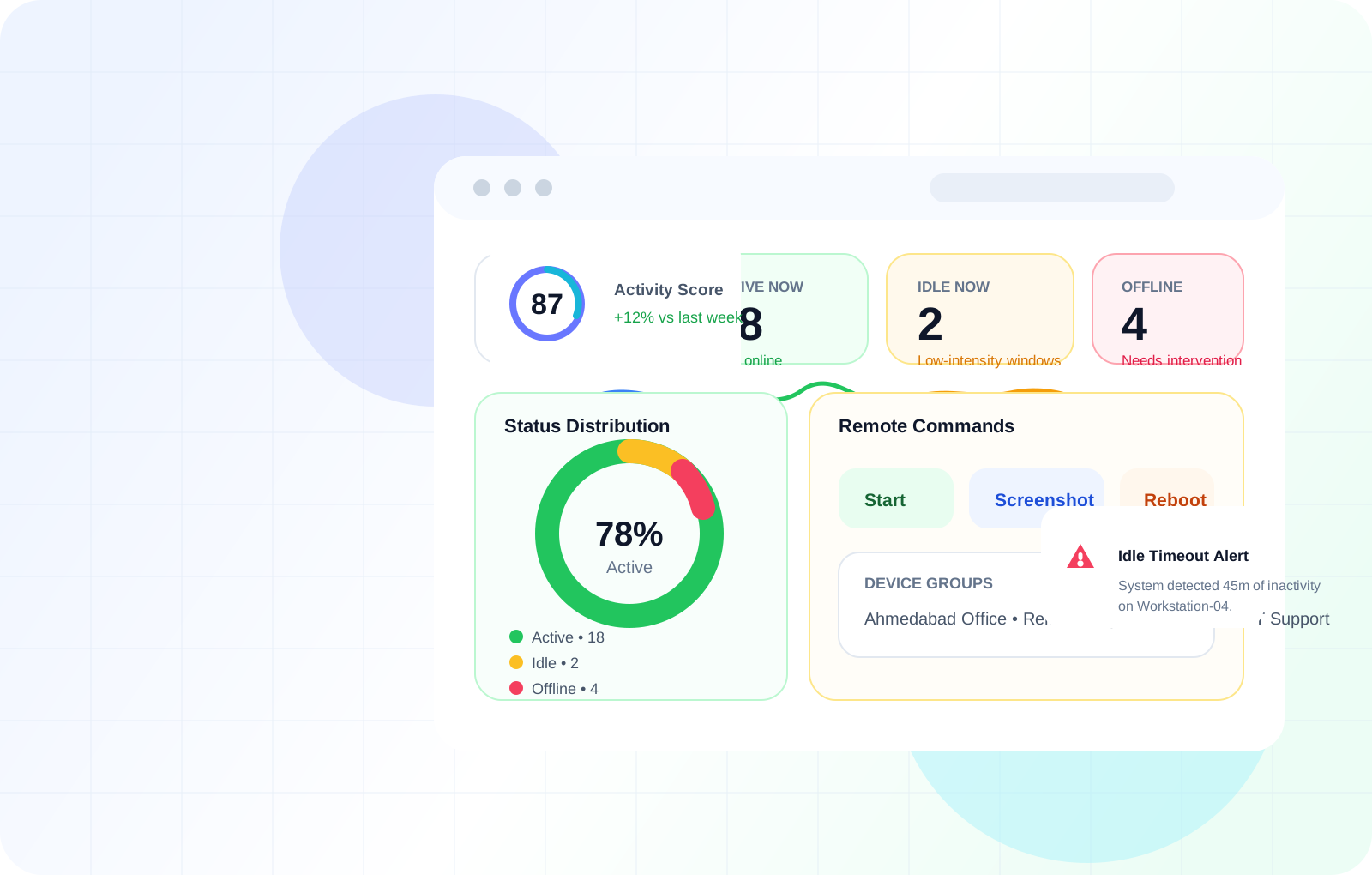
Visibility
Live
Know which devices are active, idle, away, or offline in real time.
Scoring
0-100
Weighted input-based activity scoring for fairer performance conversations.
Proof
Exportable reports and reviewable activity timelines when accountability matters.
What EPS covers...
Six deeply built capabilities that give leadership complete operational visibility — from live device status to exportable audit reports.
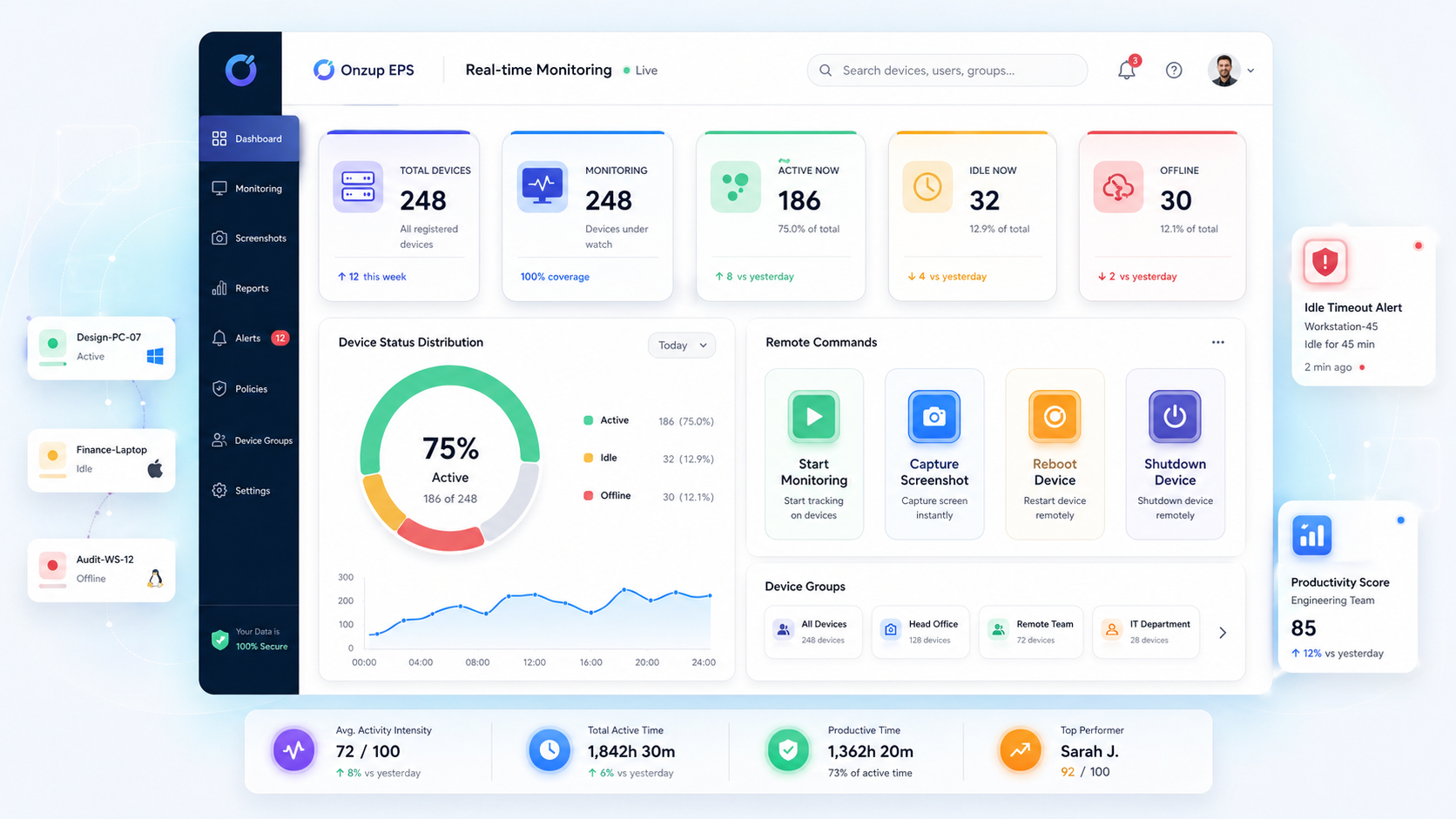
Register Windows and Linux endpoints, monitor live status, organize device groups, and run remote actions from one ERP-connected dashboard.
Where this helps
Best for IT admins and operations leads who need live device health and quick intervention without jumping across tools.
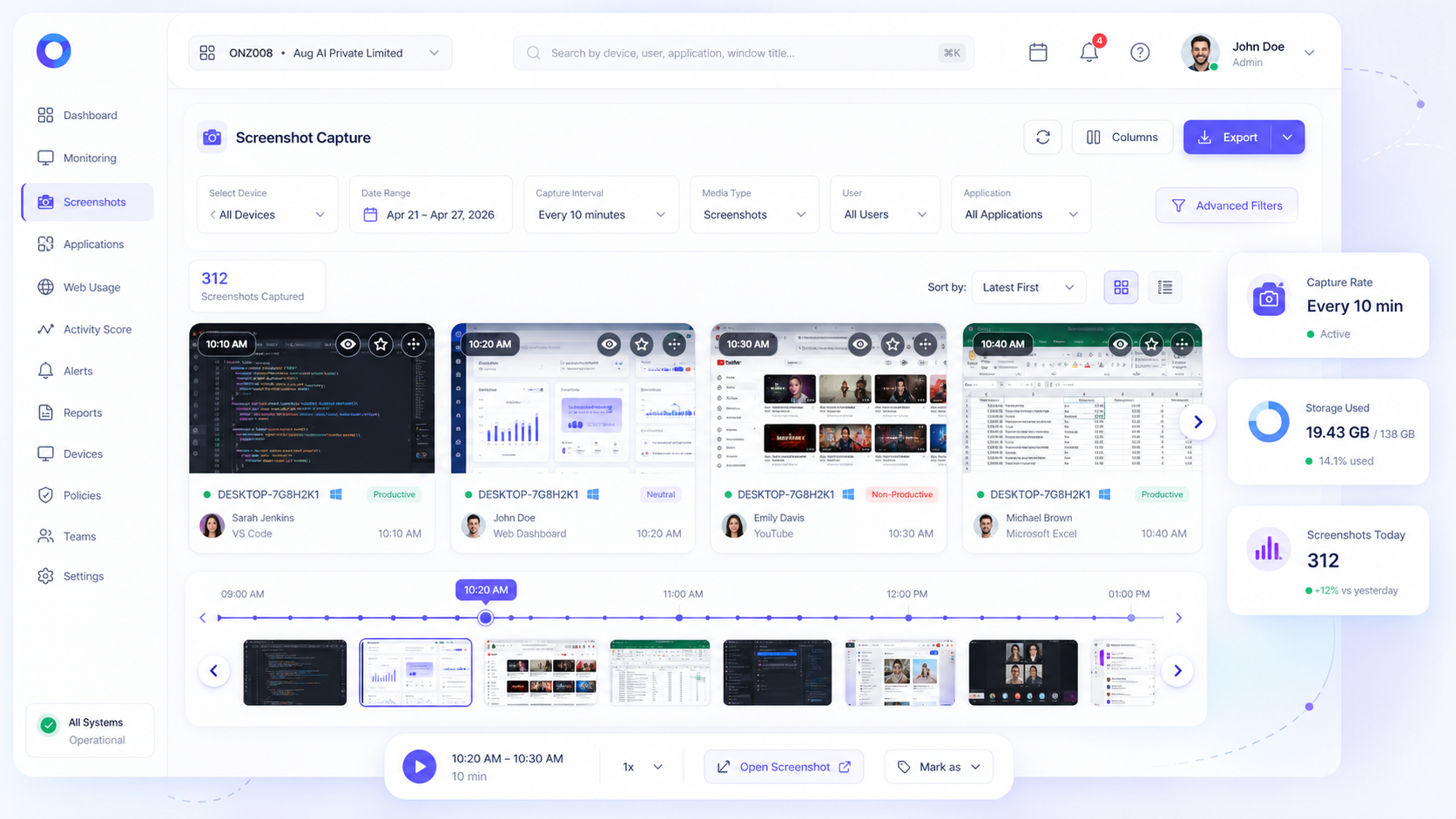
Capture screenshots on schedule or on demand, then review them in a gallery built for filtering, flags, bookmarks, and quick investigations.
Where this helps
Useful for managers, QA reviewers, and compliance teams who need visual proof during audits or performance reviews.
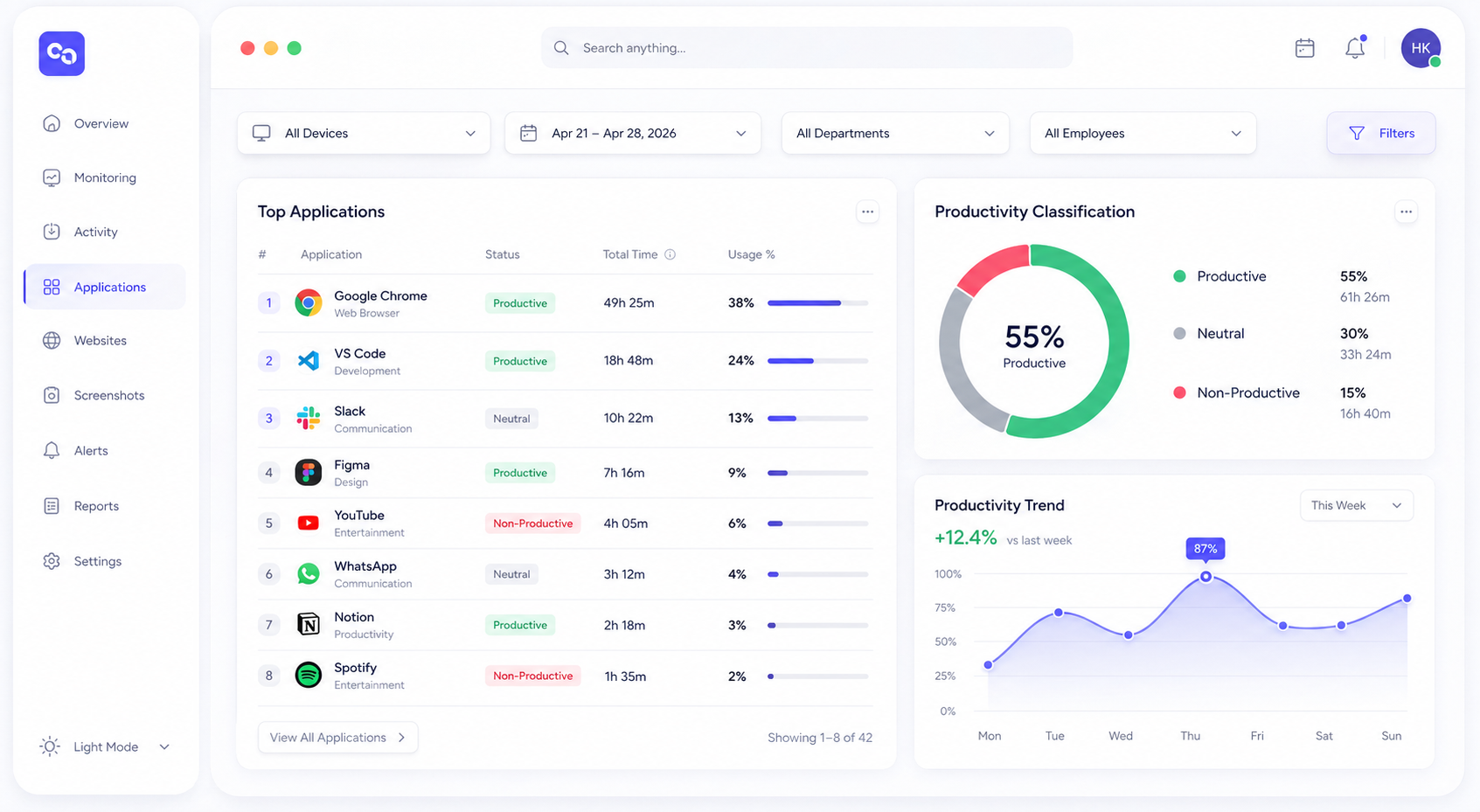
Classify software and websites by productivity value while tracking titles, sessions, durations, URLs, and browser-level activity.
Where this helps
Helps team leaders identify where time goes, which tools drive output, and where non-productive drift is happening.
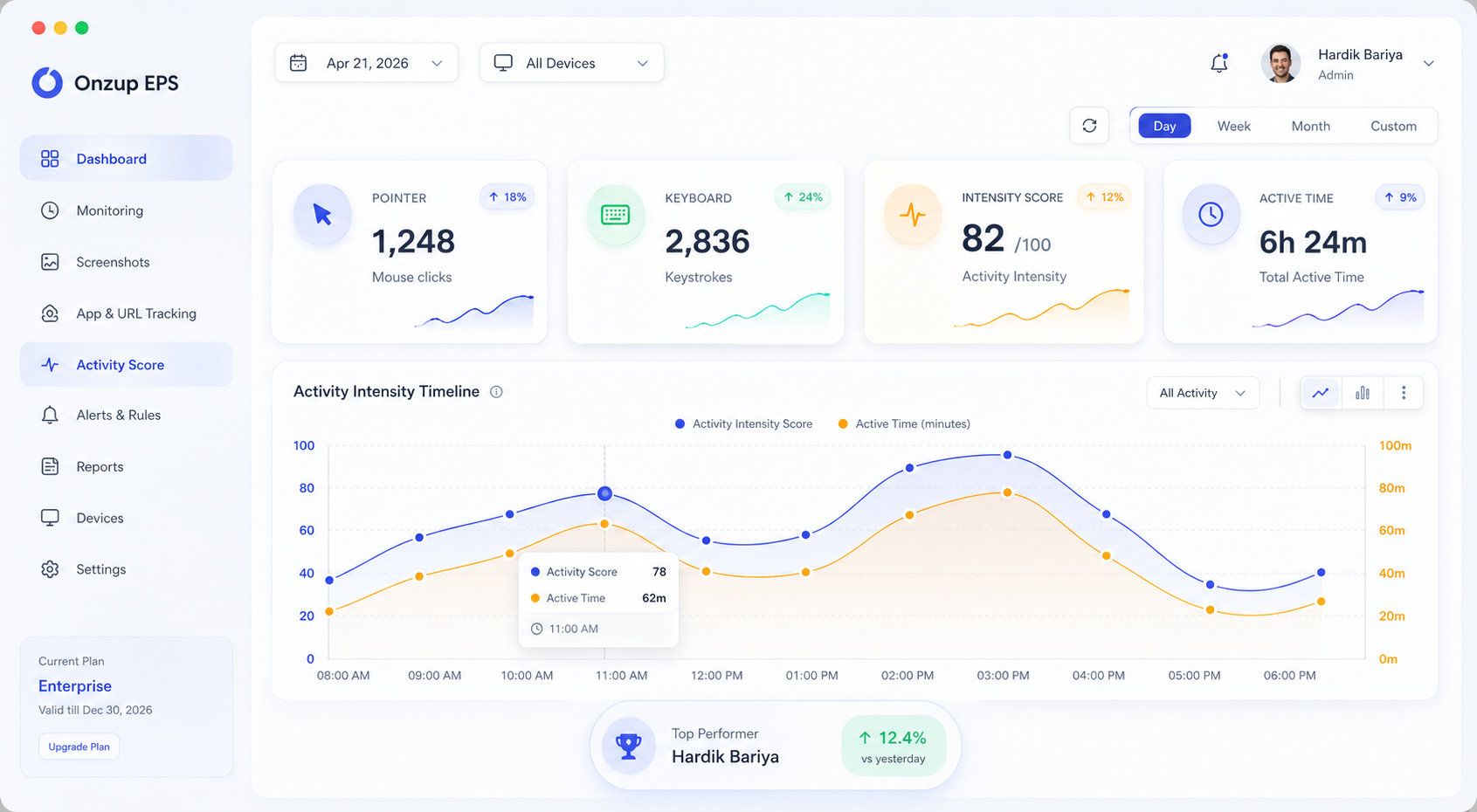
Measure keystrokes, clicks, movement, and scroll behavior through a weighted 0 to 100 score designed for clear performance visibility.
Where this helps
Gives leadership a fair, structured signal for coaching discussions instead of relying on assumptions.
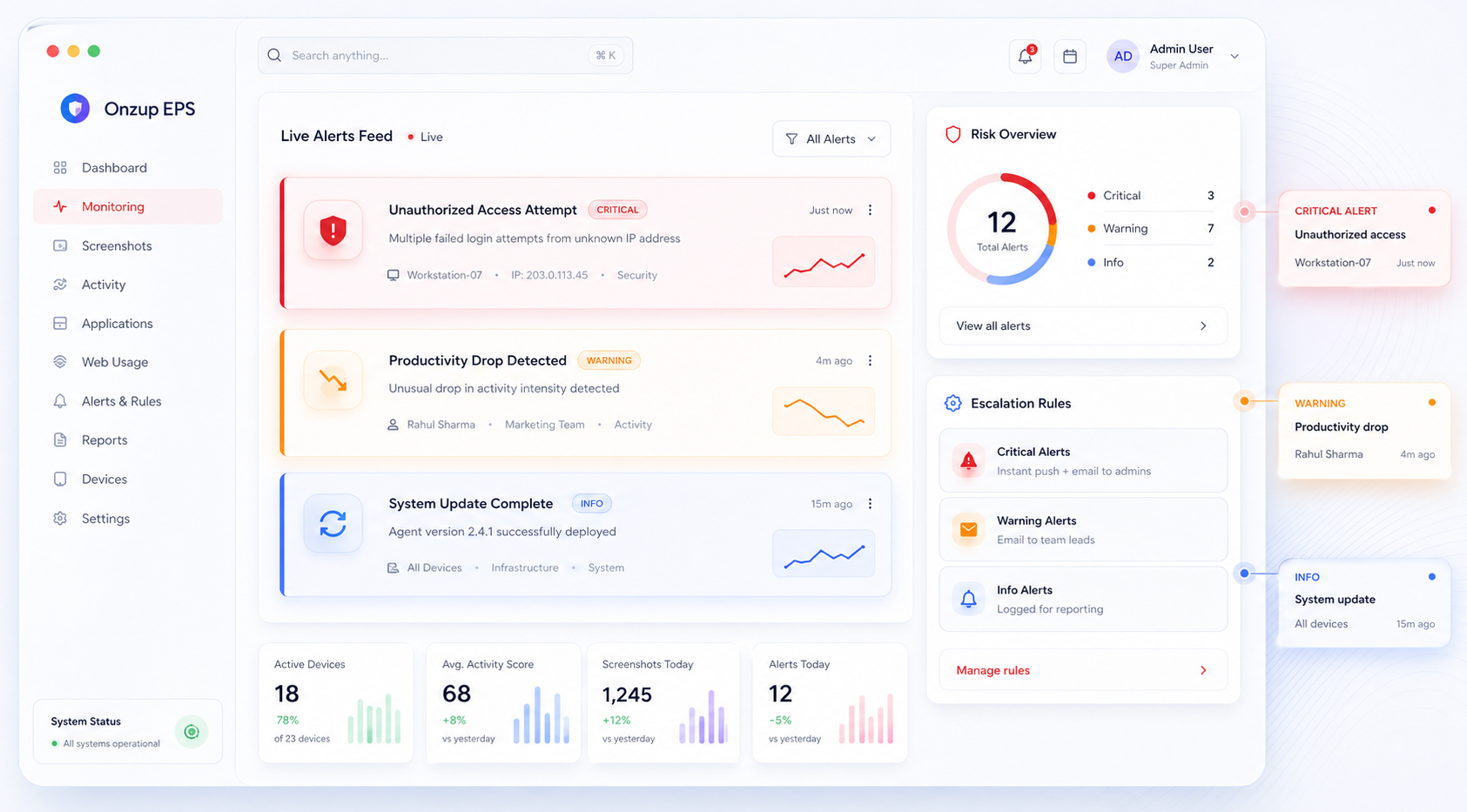
Flag critical applications or websites, trigger instant notifications, escalate by severity, and attach screenshot proof to risky events.
Where this helps
Supports security, governance, and delivery teams by surfacing risky behavior early with evidence attached.
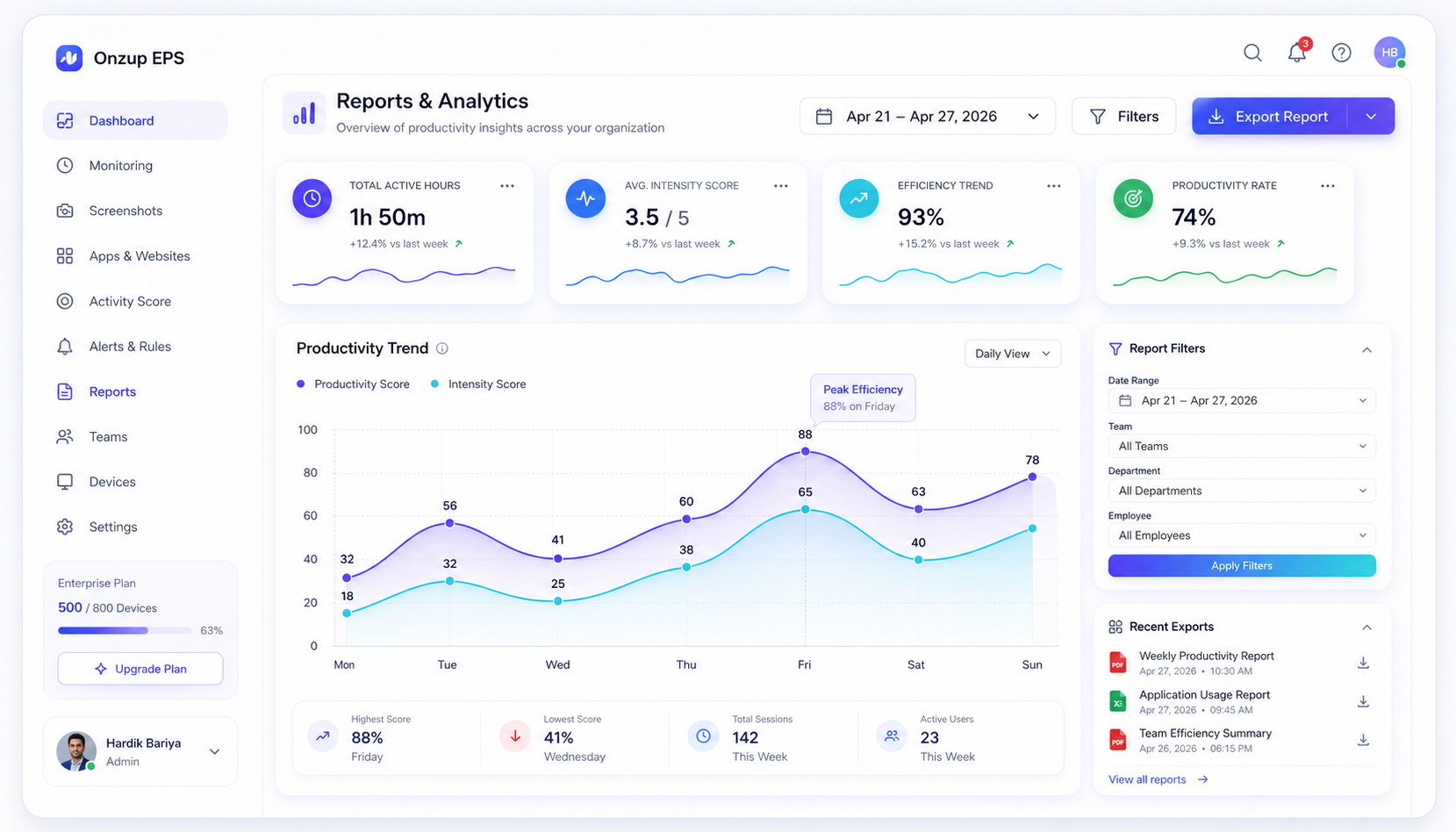
Review productivity by device, employee, or team, then export PDF-ready reports for compliance, HR, and operational analysis.
Where this helps
Ideal for compliance, HR, and founders who need executive-ready reporting with minimal manual effort.
A focused system for visibility, accountability, and control.
At a glance
One command center for work visibility.
Device state, activity proof, and controls in one place.
Live
Monitoring
Proof
Timeline
Action
Control
Visibility
Catch idle spikes and output drops early.
Consistency
Keep one standard across office and remote teams.
Clarity
Use transparent scoring for fair conversations.
Evidence
Keep audit-ready records and exportable reports.
Efficiency
Central controls reduce repetitive support work.
Five clear steps from zero to a fully operational productivity layer — no heavy IT involvement, no complex configuration required.
Deploy the lightweight MSI or Linux package across workstations in minutes.
Devices join securely with mapped identities, teams, and policy controls.
Capture app usage, website activity, screenshots, and activity signals continuously.
Leadership reads intensity scoring, proof streams, and exceptions from one dashboard.
Coach, export reports, investigate anomalies, and improve execution with evidence.
These views show the actual working surfaces your team uses for screenshot review, tracking, and reporting. The goal is simple: faster decisions with clear evidence in context.
Live EPS Workspace

Reports view

Tracking view

EPS is the live Onzup module today. No third-party tool switching, no fragmented reporting, and no need to wait for the rest of the roadmap to start getting value.