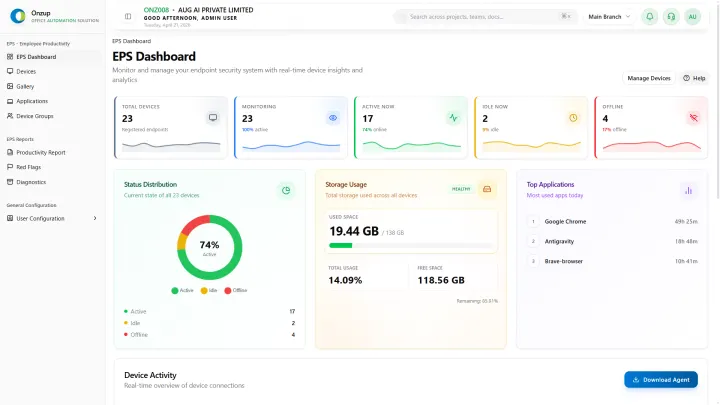
Buying an employee monitoring system is not just a feature comparison. The real question is whether the platform helps managers run clearer reviews without creating unnecessary noise or distrust.
Start with the job to be done
Most teams are trying to answer a few practical questions:
- Who is active, idle, away, or offline during work hours?
- Which apps and websites are used most often?
- Where are productivity gaps recurring?
- Can managers review screenshots and reports without chasing people manually?
- Can leadership export evidence when a client, HR, or compliance question appears?
If a tool only shows attendance or simple timesheets, it will not answer enough of those questions.
Capabilities to compare
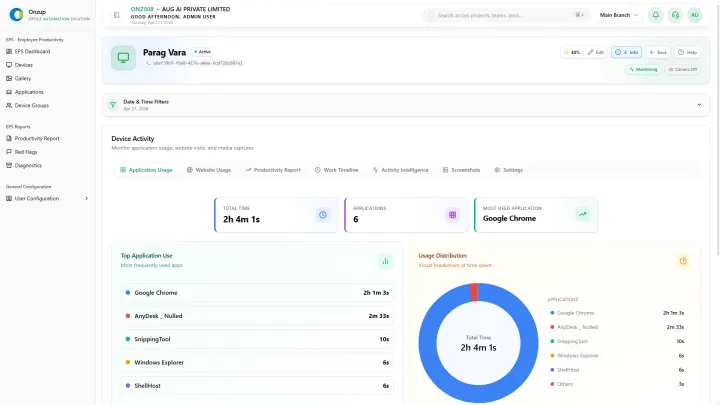
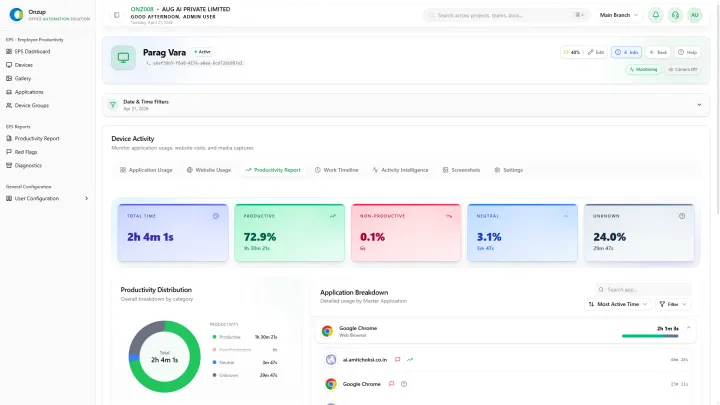
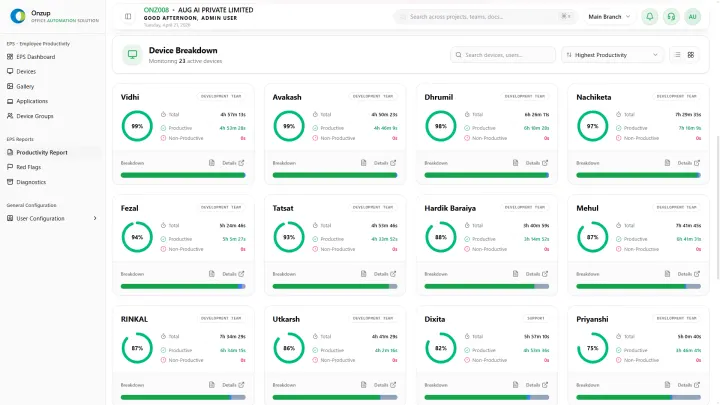
A serious employee monitoring system should include activity visibility, app and website tracking, screenshots, reporting, alerts, and privacy controls. The system also needs clean manager views so day-to-day reviews do not become an operational burden.
For growing teams, support for office, remote, hybrid, and branch environments matters. The same dashboard should work across different work modes instead of forcing managers to use separate tools for each team.
Privacy and policy checks
Monitoring should be policy-backed. Buyers should confirm how the system handles sensitive contexts, who can view screenshots, what is exported, and how managers are trained to use activity data fairly.
Where Onzup EPS fits
Onzup EPS combines employee monitoring, activity tracking, screenshots, app and website usage, idle-time visibility, alerts, and audit-ready reports in one platform for practical workforce visibility.
For commercial evaluation, start with the employee monitoring system page, compare employee tracking system software, and review pricing before booking a walkthrough.