Remote work changed how teams collaborate, but it also removed the day-to-day visibility managers once had inside an office. That is why so many firms start searching for employee monitoring software. The problem is that most tools promise control, while very few deliver usable operational clarity.
What businesses actually need
The goal is not surveillance for its own sake. The goal is to answer practical questions:
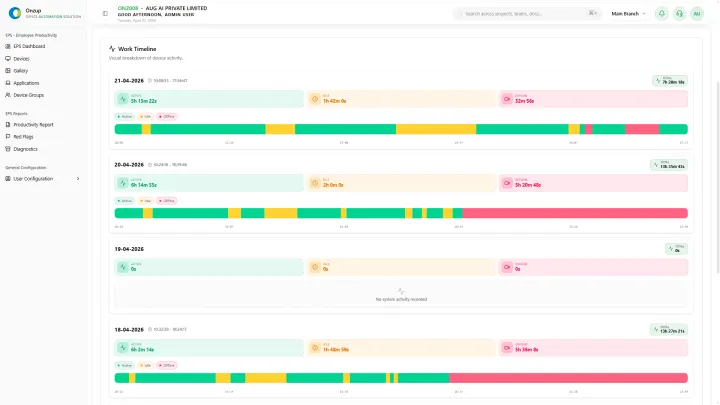
- Are teams active during working hours?
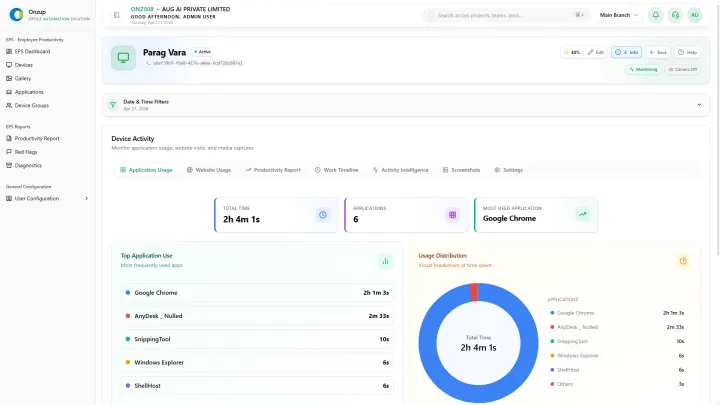
- Which applications and websites consume the most time?
- Where are idle patterns affecting output?
- Can leadership produce evidence when clients or compliance teams ask for it?
For remote and hybrid teams, these answers need to come from one system instead of spreadsheets, guesswork, and separate tracking tools.
Features that matter more than raw screenshots
Many decision-makers start by asking whether screenshots are included. That is too narrow. A better buying lens includes:
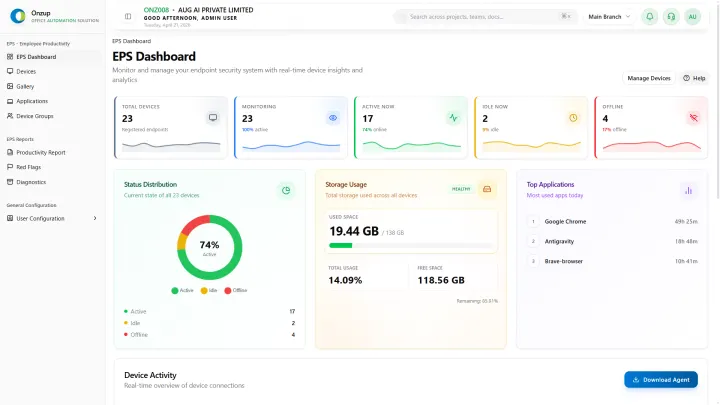
- Real-time device activity states
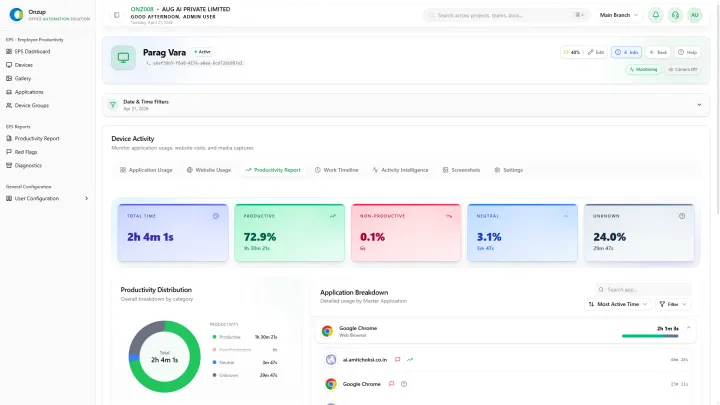
- Productive versus non-productive app classification
- Website tracking with session context
- Activity scoring that separates work momentum from passive screen time
- Alerts for risky or policy-breaking behavior
- Reports that can be shared with operations, HR, or leadership
Screenshots help, but they only become useful when the rest of the operational context is already in place.
Privacy still matters
Remote monitoring fails when it destroys trust. Teams need systems with clear controls, predictable policies, and role-appropriate visibility. Privacy-aware monitoring is more sustainable than heavy-handed capture models that create resistance from employees.
Why ERP-connected visibility is stronger
When monitoring data stays isolated, managers still have to manually interpret what it means. Systems that feed visibility into a broader operational workflow are more valuable because teams can investigate, report, and act faster.
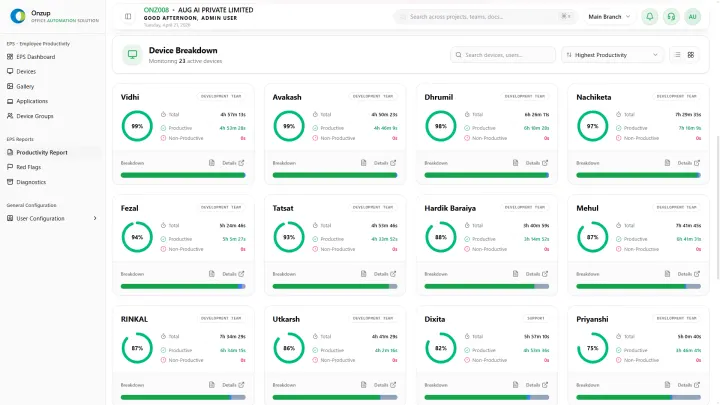
That is where platforms like Onzup EPS are useful. Instead of giving leaders one more dashboard to watch, EPS turns activity, app usage, screenshot proof, alerts, and reports into a connected visibility layer.
Final takeaway
If you are evaluating employee monitoring software for remote teams, look beyond basic screen capture. The strongest option is the one that helps your team understand productivity, prove accountability, and act quickly without creating unnecessary friction.