Many businesses assume productivity falls when teams go remote. In reality, productivity falls when visibility and management rhythm are not redesigned.
The three mistakes that hurt output first
Mistake 1: Measuring presence instead of progress
If teams are judged only by online status, behavior shifts toward performative activity instead of meaningful execution.
Mistake 2: Overloading managers with manual follow-ups
When every manager must ask for updates all day, decision speed drops and leadership gets fragmented signals.
Mistake 3: No early-warning system
Without trend alerts, teams discover delivery issues too late, usually when client impact is already visible.
A better WFH execution model
Use this sequence:
- Define output metrics by role
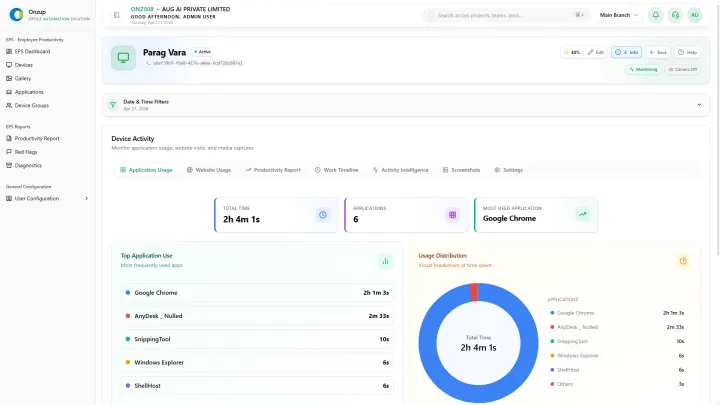
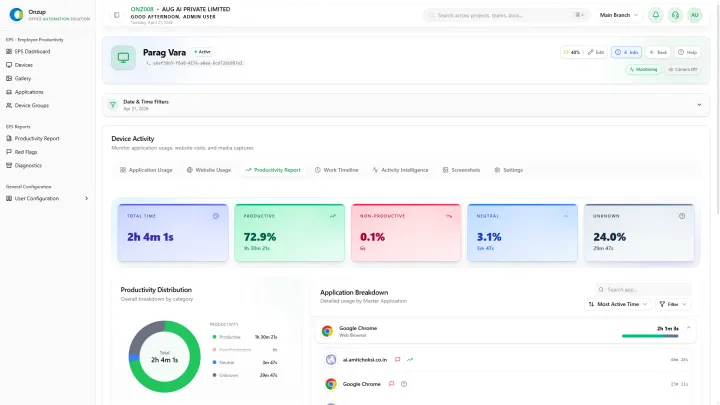
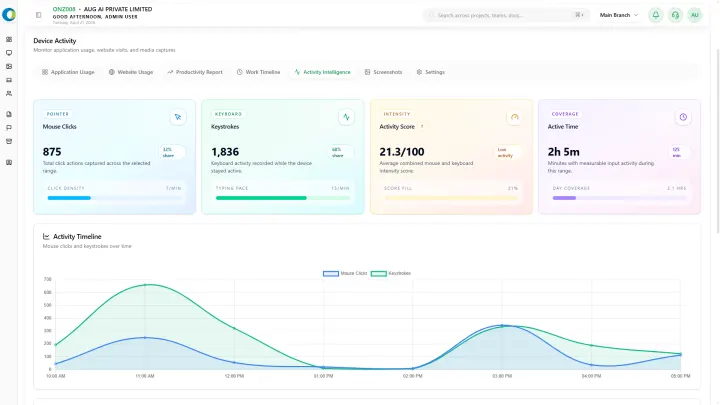
- Track activity and app usage context
- Monitor trend changes weekly
- Trigger alerts for abnormal patterns
- Coach with evidence, not assumptions
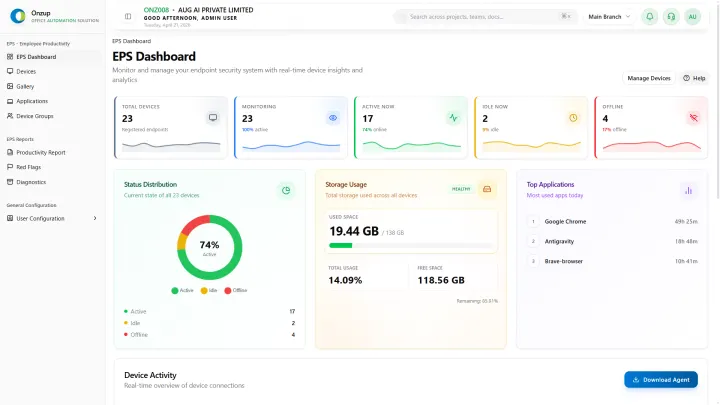
Onzup EPS is designed around this sequence, so team leads can move from reaction to prevention.
What “good” looks like after rollout
Within 2-4 weeks, mature teams usually see:
- More stable daily output patterns
- Less manager time spent on chasing updates
- Faster correction of idle/risk behavior
- Better confidence in client commitments
Team trust is a design decision
WFH systems succeed when people know exactly how visibility works. Publish policy and review rules clearly. Teams respond better to transparent standards than hidden controls.
Final takeaway
WFH scale does not need to hurt productivity. With the right monitoring design, it can improve both execution discipline and management clarity.
If you are planning a broader remote policy, EPS can help you operationalize it without increasing management overhead.