Companies want better accountability, but they do not want managers spending the day watching screens. That tension is exactly why so many productivity initiatives fail.
The wrong way to track productivity
Micromanagement usually starts when the only available signal is presence. If leaders judge performance by how long someone looks active, they miss the difference between meaningful execution and passive screen time.
That creates two problems:
- High performers feel distrusted
- Low-quality activity can look better than real output
The better model: visibility with context
To track productivity well, teams need context-rich signals such as:
- Device activity states
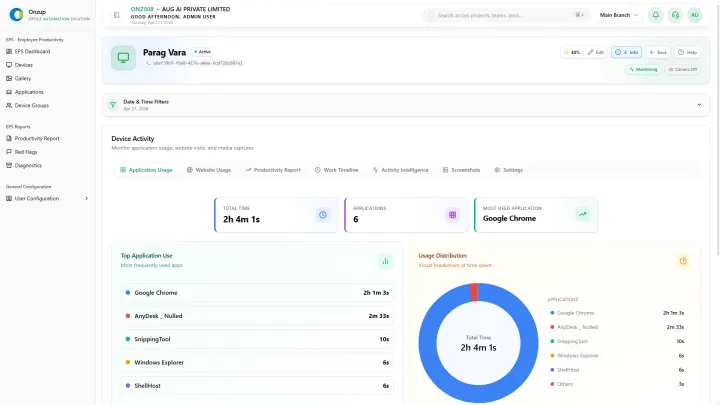
- Application and website usage
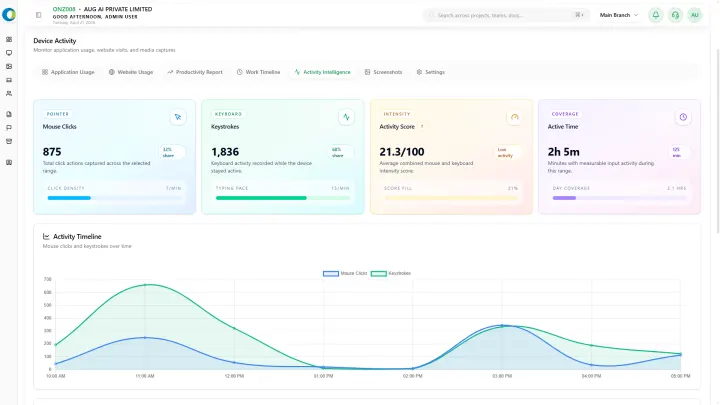
- Activity intensity scoring
- Idle patterns and alert conditions
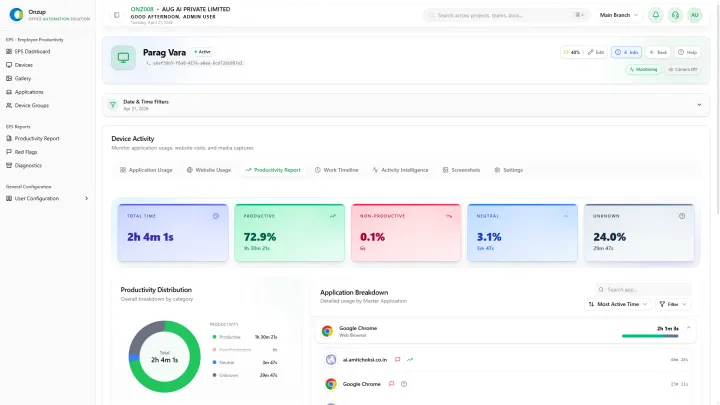
- Exportable reports for review conversations
This gives leaders evidence for coaching without forcing them into constant observation.
Why scoring matters
A weighted activity score is more useful than raw time logs because it gives managers a fast, reviewable signal. Used correctly, scoring helps identify both high momentum and disengagement patterns early.
The best systems do not use scores in isolation. They pair scoring with app usage, proof layers, and reporting so a low score can be investigated instead of assumed.
Use reports for conversations, not punishment
Productivity tracking becomes healthier when reports are used to support:
- Team review meetings
- Performance coaching
- Capacity planning
- Risk escalation
That is very different from using monitoring only as a disciplinary tool.
Where EPS fits
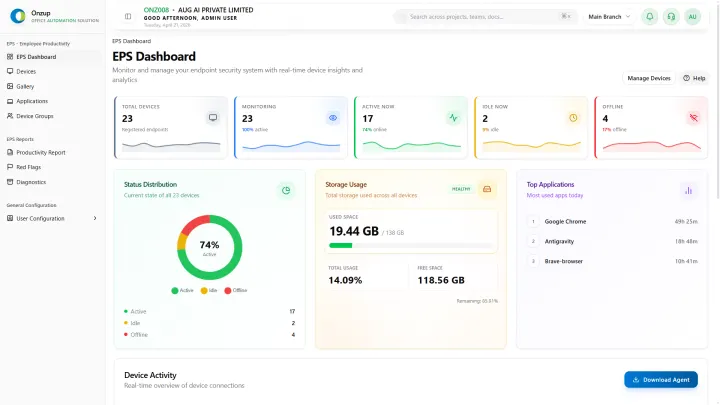
Onzup EPS helps firms track employee productivity through live status monitoring, app and website intelligence, screenshot proof, alerts, and audit-ready reporting. It is built to make leadership more informed, not more intrusive.
Final takeaway
If your goal is better accountability, do not optimize for surveillance. Optimize for clarity. The right system should make productivity easier to understand, easier to discuss, and easier to improve.