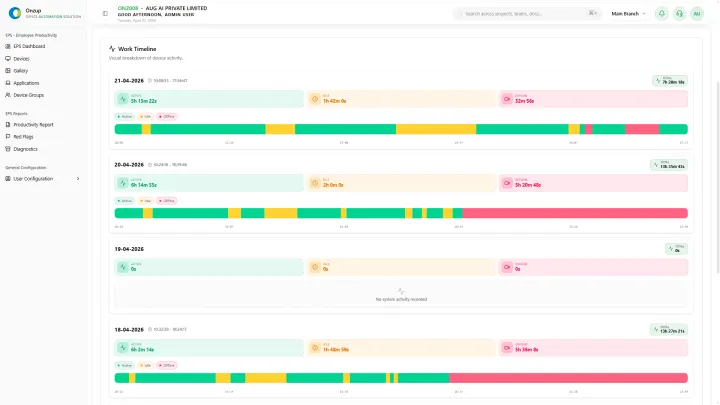
When fuel pressure increases, many organizations revisit remote and hybrid work policies to reduce daily commute dependency. The opportunity is real, but execution matters.
A rushed WFH shift can reduce visibility, slow delivery, and create confusion in team accountability. A planned shift can reduce operating stress while preserving execution quality.
A practical 30-day WFH transition approach
1. Segment roles before changing policy
Not every role should move fully remote. Split teams into:
- Fully remote-ready
- Hybrid-required
- On-site essential
This avoids blanket policy mistakes and protects critical workflows.
2. Define measurable output expectations
Before rollout, align managers on what will be measured:
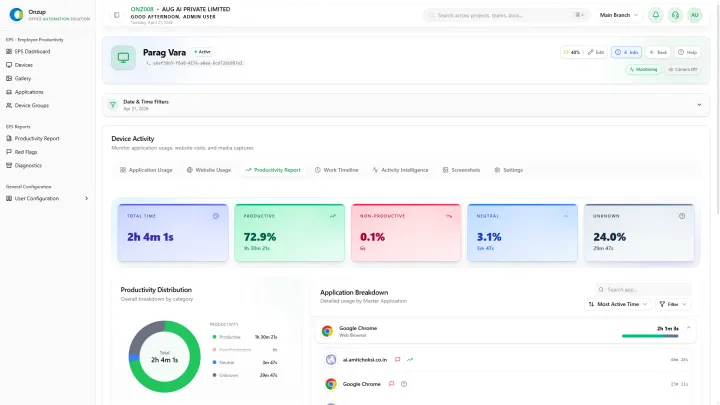
- Active work windows
- Productive app usage
- Delivery completion signals
- Exception/risk patterns
When expectations are explicit, managers spend less time chasing updates.
3. Standardize visibility tools
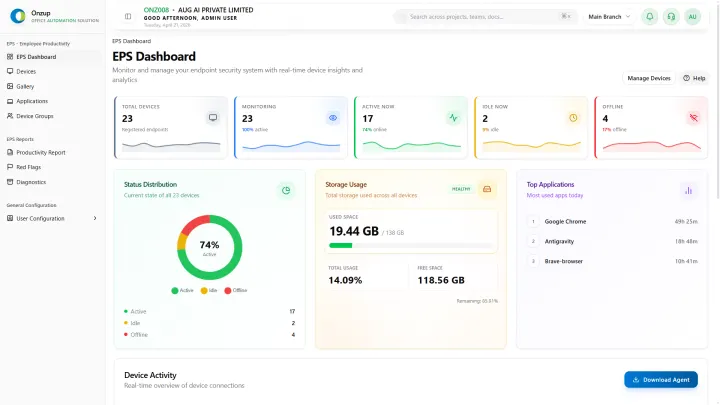
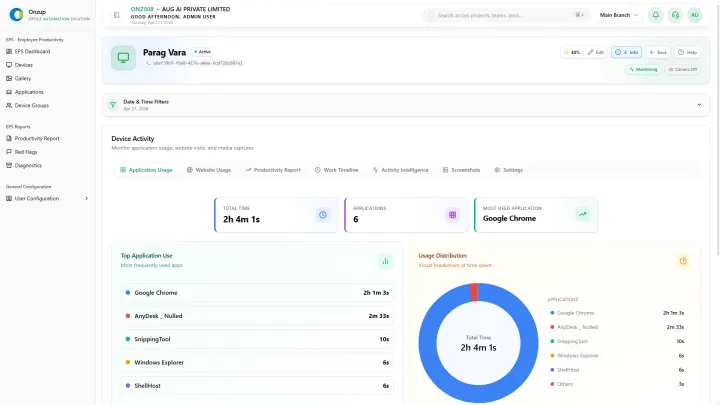
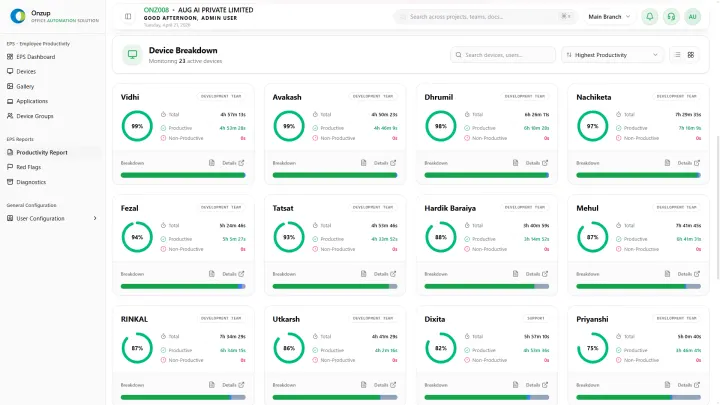
Do not rely on screenshots alone. Build one connected layer for:
- Device activity states
- Application and website usage
- Activity intensity trends
- Alerting for abnormal behavior
- Report exports for review meetings
This is where Onzup EPS helps teams move from manual follow-up to structured operational monitoring.
4. Set policy communication clearly
Remote monitoring fails when teams feel surprised by controls. Publish policy answers upfront:
- What is tracked
- Why it is tracked
- Who can view what
- How data is used in reviews
Clear communication reduces resistance and improves adoption quality.
5. Run weekly governance reviews
In the first month, review:
- Team productivity trend changes
- Outlier risk patterns
- Delivery slippage signals
- Manager intervention effectiveness
This turns WFH from a one-time HR circular into a real operational system.
Lead indicator: what to watch in week one
If your transition is working, you will see:
- Fewer manual manager check-ins
- Faster identification of idle or drift patterns
- Cleaner reporting in leadership calls
- Better predictability in commitments
Final takeaway
WFH can reduce commute-linked pressure, but only when visibility is designed into the rollout. If your team is planning or expanding remote work, start with policy clarity, measurement discipline, and a unified execution dashboard.
If you want, request a walkthrough of how EPS can be configured for your role mix and governance model.